
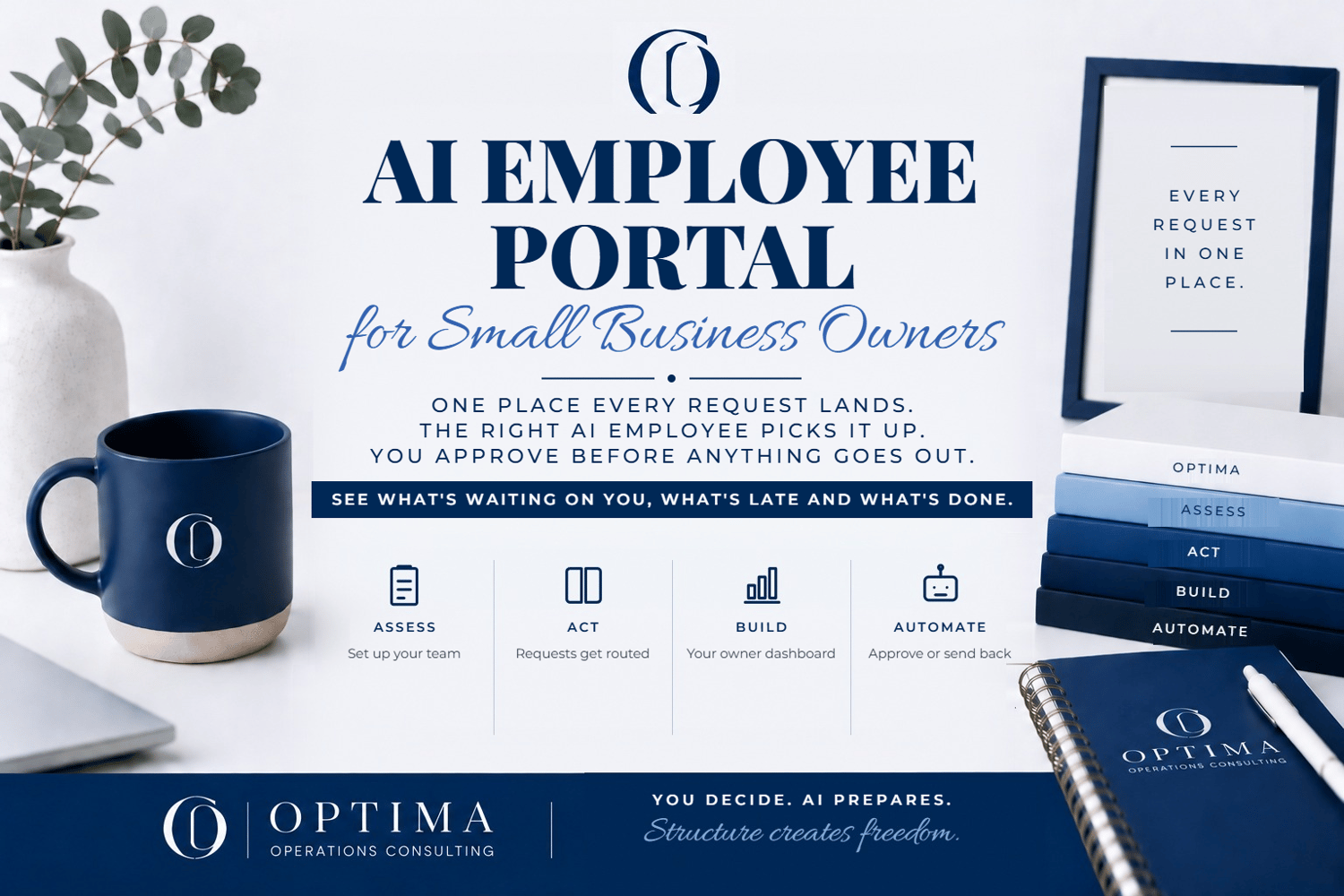
Optima AI Employee Portal
Once you have more than one AI employee, the hard part stops being the work. It’s keeping track: who has what, what’s late, and what’s sitting there waiting for your OK.
The Portal does the keeping track. You tell it what you need in your own words. It sends the request to the right AI employee, logs it on your Request Board, and keeps every approval in one queue. Each morning it tells you where every employee stands and the three things only you can decide.
What’s inside
- The Portal skill for Claude, with setup built in. It asks you 7 questions, one at a time, and writes your Portal Profile.
- The Owner Dashboard: one file you open in your browser. It shows what’s waiting on you, each employee’s work, your Request Board and your Time Log. You can approve, send back or reply right there.
- The Optima Request Board Template, with a Time Log tab for your own before-and-now minutes.
- Set Up Your AI Employee Portal (PDF), with the prompt to get started.
- How to Use Your AI Employee Portal (PDF): loading all five AI employees, seven checks to see it’s working, and what to say day to day.
Before you buy
The Portal is built for the five Optima AI employees, and it works with your own Claude skills and the people on your team too. Optima AI employees update your Request Board themselves. For your own skills and your people, you tell the Portal when the work is ready and it updates the board for you. It works best after the Optima AI Business Setup Kit and the Optima AI Second Brain Starter Kit.