
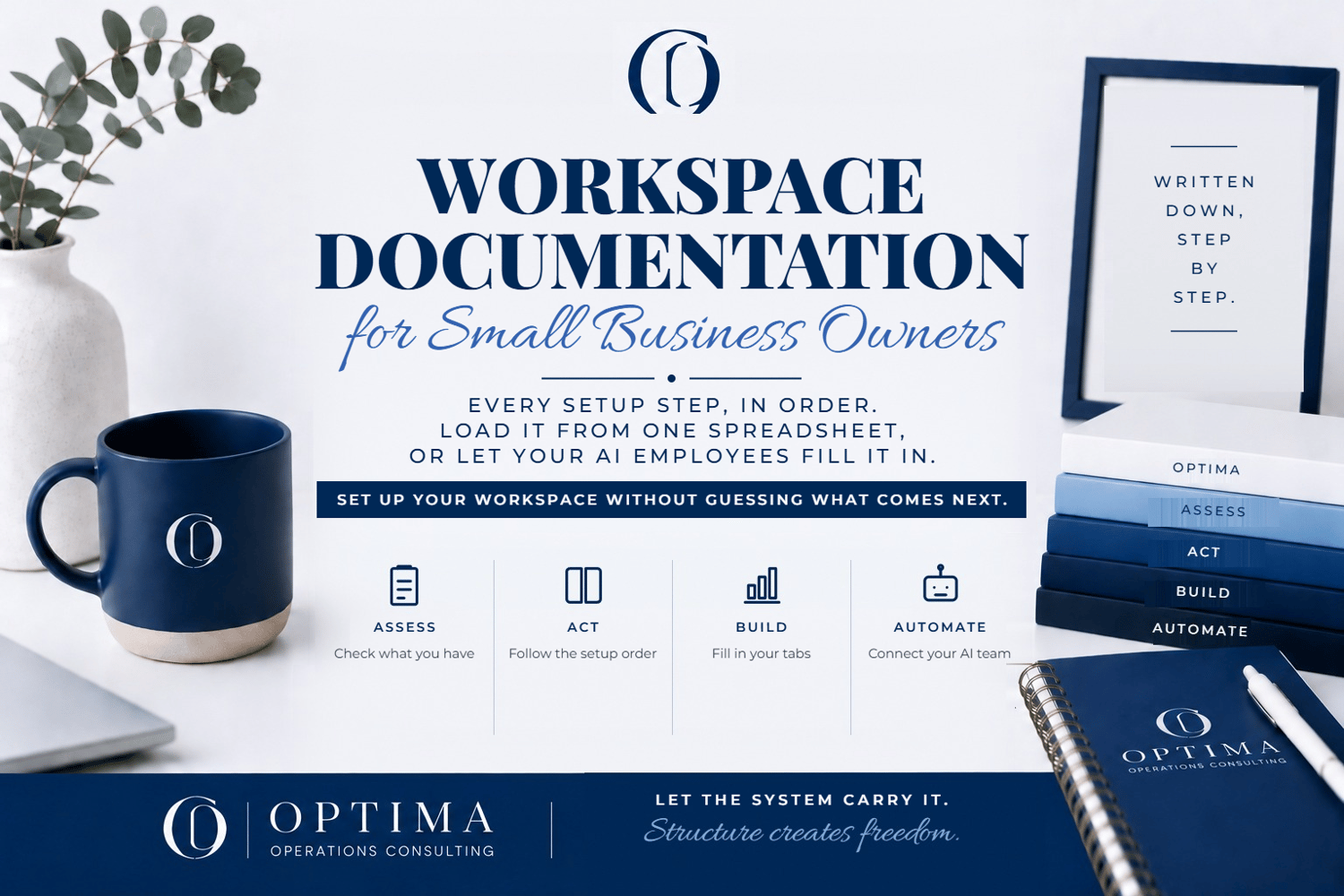
Optima AI Workspace Documentation | The Setup Guides, Setup SOP and Workbook Pages
See exactly how the Optima AI Workspace is set up, before you set it up.
This is the written side of the Optima AI Workspace: every step, every question and every guide, so you can read it through, plan your answers on paper, and know what you're walking into.
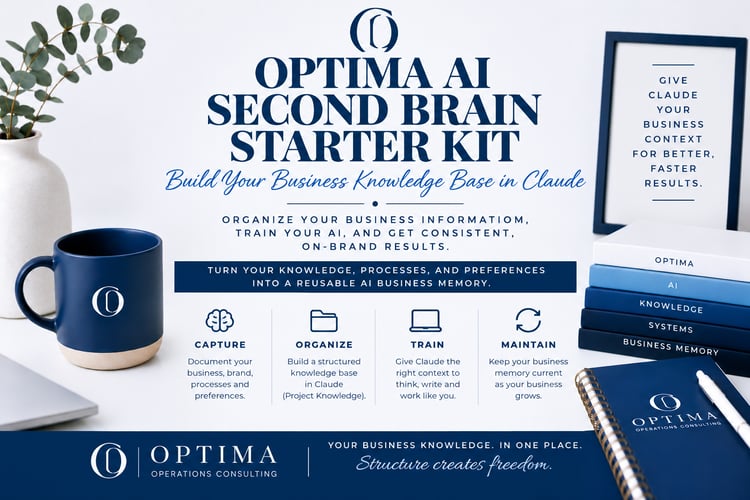
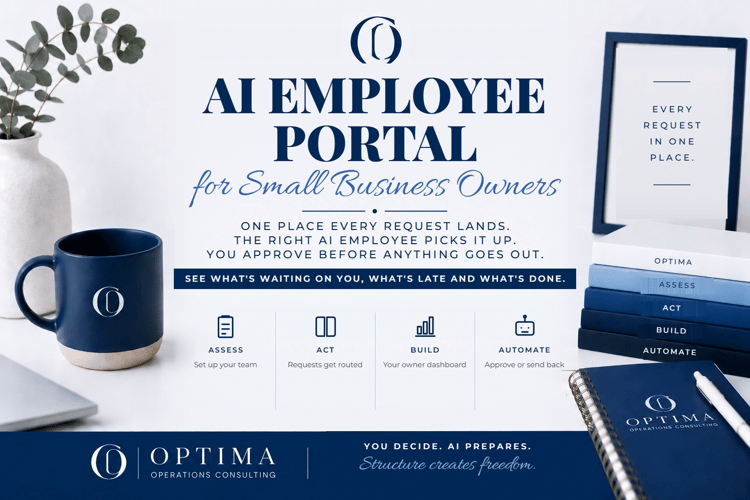
It's the same setup I run my own business on: AI that knows your business, clear rules for what it can and can't do, your repeat work written down as SOPs, a tested second brain, and one Command Center for your whole business.
What's inside
- WS-00 Start From Scratch: all six stages, every step and every question, in order
- WS-01 Set Up Your Optima AI Workspace: the full setup SOP, what changes on free and paid Claude plans, and what to do when something goes wrong
- How to Set Up Your Optima AI Builders in Claude: turning on files and uploading skills, click by click
- Optima SOP Builder: How to Use It
- Connect Your Workspace to Google Sheets
- Workbook pages for your Boundaries and AI Rules and your AI Workspace Setup, plus a Request Board template
Good to know
This is the documentation only. It doesn't include the Claude skills that run each step or the Business Command Center. Those come with the Optima AI Workspace, which includes everything in this download.
One-time download, lifetime use, for your own business. License and disclaimer: https://www.optimaoperationsconsulting.com/tool-download-license-and-disclaimer
Questions: operations@optimaoperationsconsulting.com
Claude is a product of Anthropic. Optima Operations Consulting is independent and not affiliated with Anthropic.