
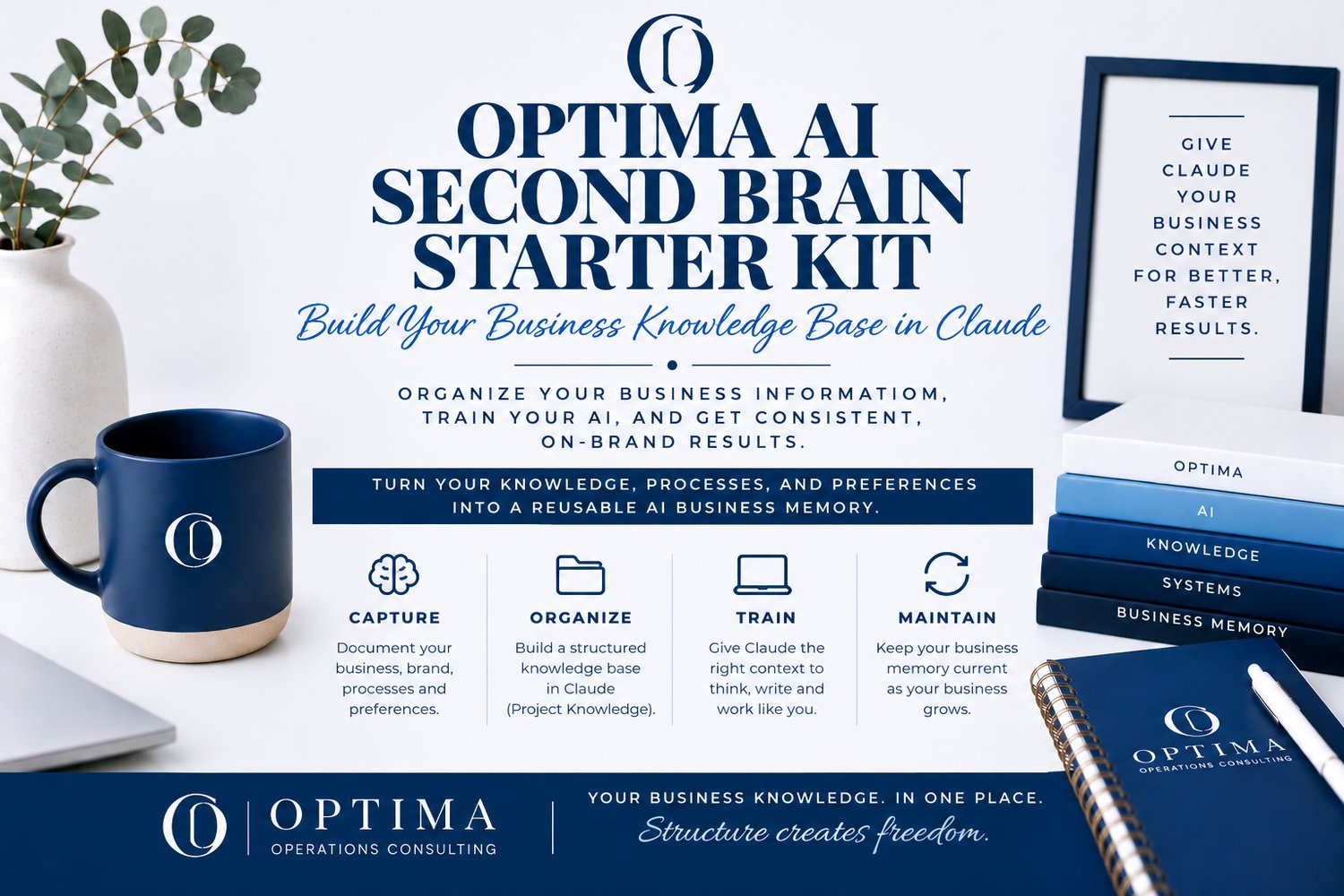
Optima AI Second Brain Starter Kit | Build Your Business Knowledge Base in Claude
Stop re-explaining your business in every chat. Give AI one place to find your real prices, policies and answers, and give every request one place to land.
The Second Brain Starter Kit sets up the place your AI works from. Your approved business information goes into one knowledge base inside a Claude project, so AI answers from what’s true today. Then you organize the workspace around it: your folders, your first projects, and a Request Board where every request lands before work starts. Use the Claude builders, which ask you one question at a time and write your files for you, or work through the templates by hand.
What you’ll build
- Your Business Knowledge Base: your offers, prices, policies, how people buy, and the questions customers ask, in your own words
- A tested second brain: ten test questions built from your answers, checked against your real records, so you know AI is working from the right information
- Your AI Workspace: one shared folder, a numbered knowledge base, your first Claude projects with instructions ready to paste, and the apps worth connecting
- Your Request Board: one place every request lands, with an owner, a due date and the rules that keep it moving
- A monthly habit: 10 to 15 minutes to keep it all current
What’s inside
- Second Brain Builder (Claude skill)
- AI Workspace Setup Builder (Claude skill)
- Second Brain Setup Guide
- Business Knowledge Base Template
- Business Context Quality Checklist
- AI Knowledge Maintenance Checklist
- Optima Request Board Template (opens in Google Sheets), with Team Roster and Tools We Use tabs
- AI Workspace Setup workbook pages (PDF)
- How to Set Up Your Optima AI Builders in Claude (PDF)
Works in Claude, including the free plan. No tech skills needed. It works best after the Optima AI Business Setup Kit, so your AI already has your business profile and your rules.
One-time purchase, lifetime use in your own business.