
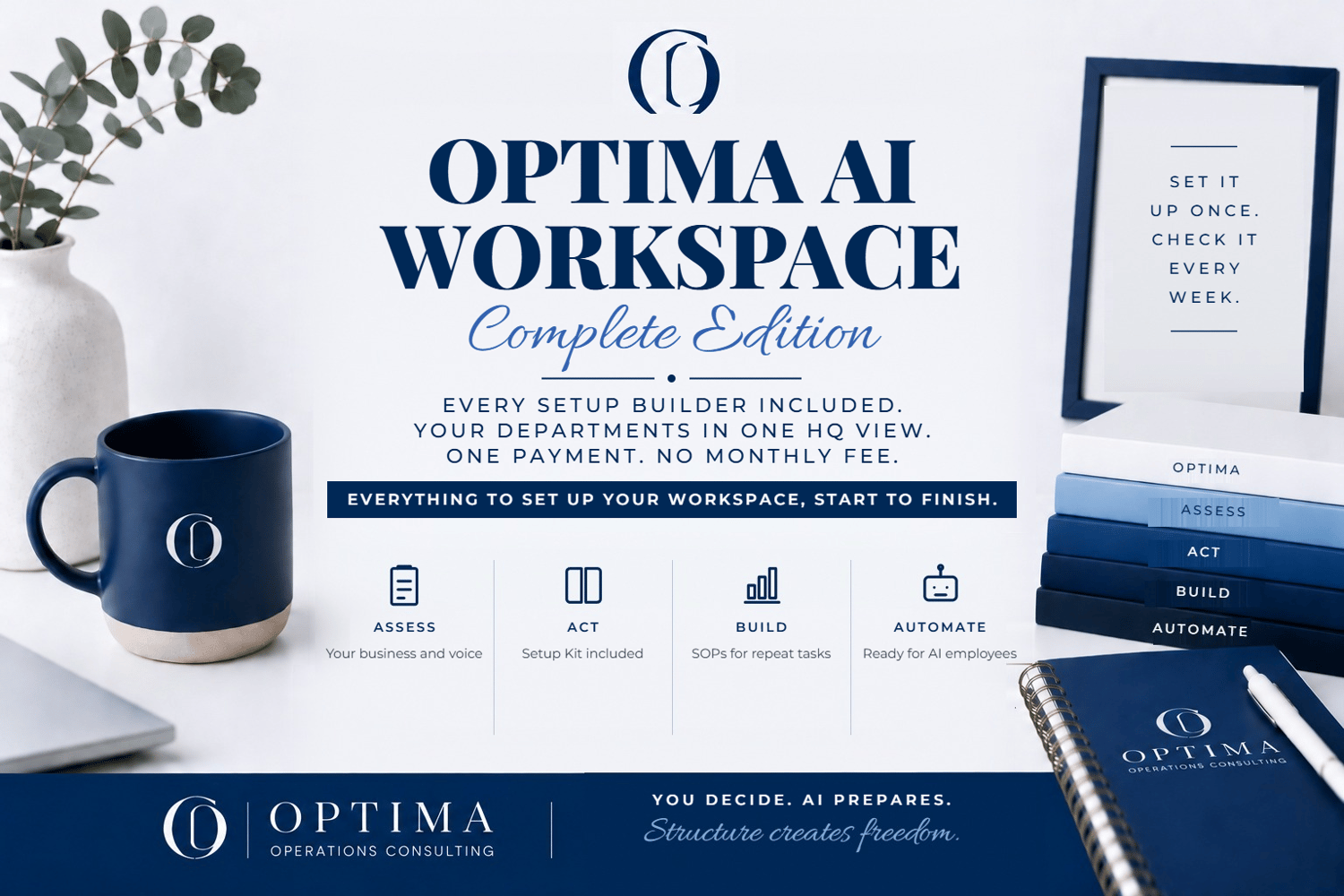
Optima AI Workspace Complete Edition | Your Command Center Plus Five AI Employees
Your Command Center, and the team to run it with you.
The Complete Edition is everything in the Optima AI Workspace, plus five AI employees who draft the repeat work in your business, and the AI Employee Portal where everything they need from you lands.
You set up the workspace first: AI that knows your business, clear rules, your SOPs, your second brain and your Command Center. Then you bring in your AI employees, one at a time. Each one learns how you want their part of the business run, then drafts that work for you to approve.
Your five AI employees
- Operations Manager: your daily brief, request routing, the weekly board review and your monthly owner time review
- Bookkeeper: the weekly receipts sweep, invoice follow-ups, month-end close and your quarterly tax set-aside check
- SOP & Process Manager: writes, reviews and updates your SOPs, and checks which work is ready for AI
- Marketing & Content Manager: your monthly content plan, weekly content batch, voice check and results review
- Sales & CRM Manager: new lead intake and follow-up, discovery call prep, proposals and quotes, and your weekly pipeline review
Each one comes with the SOPs it works from (20 in all) and a How to Use guide. You name them, and they report to your Command Center.
The AI Employee Portal
One place where every draft, question and approval from your AI employees lands, so you approve, send back or reply in one sitting.
A recommended schedule for every job
Your Command Center gives each employee job a recommended day and time, weekdays only: the daily brief first thing, the receipts sweep and pipeline review on Monday, the content batch on Thursday. On a paid Claude plan, put them on a Claude scheduled task and the draft is waiting for you. On the free plan, use the same times as calendar reminders.
What's in the download
- Everything in the Optima AI Workspace: the setup builders, the Business Command Center, the Workspace Sheet, the 14 training videos, WS-00, WS-01, the guides and the workbook pages
- 14 Claude skills in all, numbered in the order you use them, including your five AI employees and the AI Employee Portal
- A How to Use guide for each AI employee, and Naming Your AI Employees and Building Your Org
- The AI Employee Portal: set-up and how-to guides, the Owner Dashboard and the Request Board template
- The 20 SOPs your AI employees follow, as PDFs
What you need
- A Claude account. Setup works on the free plan, with each employee in its own chat. A paid plan (Pro or higher) gives each employee its own project, and adds scheduled tasks and the Google Sheets connection.
- About 15 minutes to set up each employee. One a week is a good pace.
AI drafts and prepares. You decide. Your AI employees never send, publish, pay or book anything without your OK.
One-time download, lifetime use, for your own business. License and disclaimer: https://www.optimaoperationsconsulting.com/tool-download-license-and-disclaimer
Questions: operations@optimaoperationsconsulting.com
Claude is a product of Anthropic. Optima Operations Consulting is independent and not affiliated with Anthropic.